
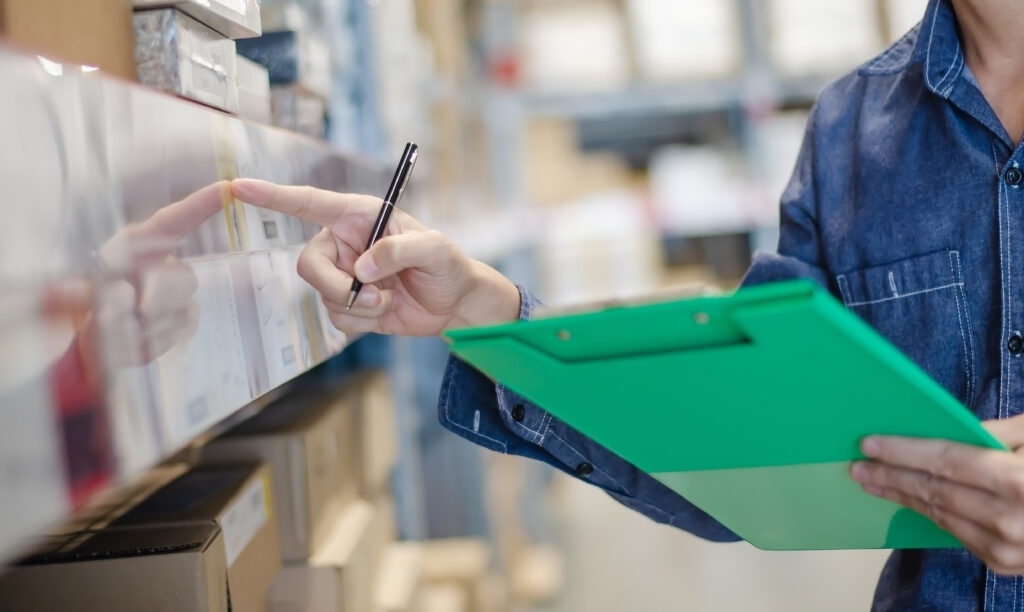
Supplier ordering is one of the most time-consuming back-office tasks in an independent grocery store. Done manually, it requires a manager to check physical shelves, review paper logs or spreadsheets, call or email multiple vendors, and hope that the quantities they ordered match what the store actually needs. Done well, it takes hours. Done poorly, it creates stockouts, overstock, and wasted dollars.
The stores that have solved this problem have done it the same way: by connecting their ordering process directly to their point of sale system.
Why Manual Ordering Creates Unnecessary Problems
Manual inventory tracking introduces lag at every stage. By the time a manager completes a shelf walk, compiles order quantities, and submits the order, the inventory levels they based those decisions on may already be outdated. High-velocity items move fast, and a morning shelf check may not reflect what actually sold through the afternoon.
The result is a cycle of reactive ordering: you run low on something, you notice it either through a customer complaint or an empty shelf, you place an emergency order, and you pay more or wait longer than you would have if the system had flagged the need earlier.
A POS system with real-time inventory tracking breaks this cycle. Every sale updates your inventory count automatically, so you always know what you have on hand without a shelf walk.
Connecting Inventory to Reorder Triggers
The next step is setting minimum stock thresholds that automatically flag when an item needs to be reordered. When a SKU drops below its defined minimum, the system surfaces a reorder alert so your purchasing manager does not have to monitor individual item counts manually.
FlexRetail’s inventory management system gives independent grocers this level of control without requiring a dedicated inventory team. You set the thresholds based on your typical sales velocity and your lead time with each supplier, and the system does the monitoring for you.
This approach is especially important for perishables, where the window between a reorder alert and an out-of-stock event is short and the margin for error is low.
Using Sales Data to Set Smarter Order Quantities
One of the most common ordering mistakes in independent grocery is basing order quantities on habit rather than data. Managers order what they ordered last week because that is what they ordered last week, without accounting for seasonal shifts, promotional activity, or changes in customer traffic.
Your POS data tells a much more accurate story. It shows you which items are trending up, which are slowing down, and how sales patterns shift around holidays, local events, and weather. FlexRetail’s reporting and analytics tools make this data accessible without requiring you to export spreadsheets and build your own analysis.
When your order quantities are based on actual sales velocity rather than guesswork, you reduce both overstock and stockouts simultaneously. That translates directly into less waste, less capital tied up in excess inventory, and fewer disappointed customers.
Managing Multiple Supplier Relationships in One Place
Independent grocers typically work with a mix of broadline distributors, regional suppliers, and local vendors. Each of these relationships has different lead times, minimum order quantities, delivery schedules, and terms. Managing all of this across separate systems or paper processes is a coordination challenge that consumes manager time and creates gaps.
A POS platform with integrated back-office management centralizes this. You can see your purchase order history by vendor, track deliveries against what was ordered, and flag discrepancies when a delivery does not match the invoice. FlexRetail’s back-office management tools are designed to give independent grocers the kind of purchasing visibility that chain stores have always had access to, without the enterprise price tag.
The Local and Regional Vendor Advantage
One of the things that sets independent grocers apart from chains is the ability to work with local and regional suppliers who cannot or will not distribute to national accounts. Local produce farms, regional specialty food producers, and small-batch suppliers are a competitive differentiator, and they are also the vendors whose supply chain is most variable.
This variability makes data-driven ordering even more important. When you know exactly how quickly a local product turns, you can time your orders to minimize the gap between delivery and sale, which reduces waste and keeps product fresher for customers. According to the USDA, local food sales through retail channels have grown steadily as consumer interest in sourcing has increased. Stores that can operationalize local sourcing reliably are better positioned to capitalize on that interest.
What Streamlined Ordering Actually Looks Like in Practice
A store running a connected POS and back-office system has a fundamentally different ordering workflow than one running on manual processes. The purchasing manager starts the day with a dashboard that shows current stock levels, items approaching their reorder threshold, and pending deliveries. They review the flagged items, confirm or adjust order quantities based on any factors the system does not know about (an upcoming promotion, a community event, a local school sale), and submit orders electronically.
The time savings are significant. The error rate drops. And the manager has capacity to focus on supplier relationships, negotiating better pricing, and identifying new products, rather than spending hours on administrative counting and data entry.
If your ordering process still relies on clipboards, spreadsheets, or intuition, it is worth seeing what a connected system looks like. Schedule a FlexRetail demo and walk through how the inventory and purchasing workflow works in a store your size.