
How Many POS Terminals Does Your Store Need? Sizing Lanes to Transaction Volume
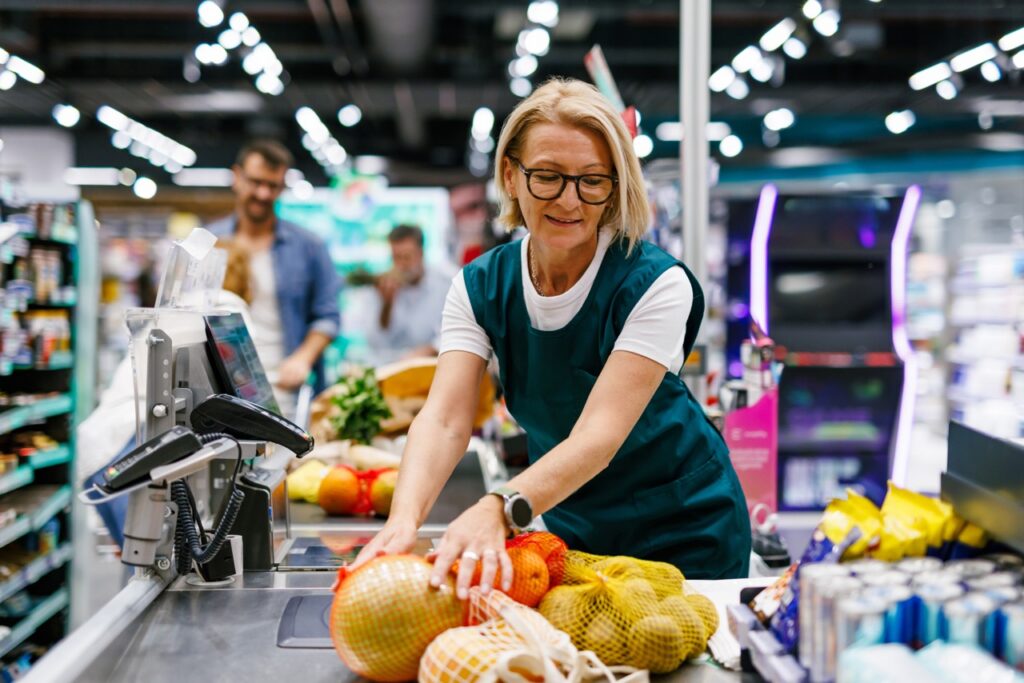
Every grocery store eventually asks the same question: how many registers do we actually need? Buy too few and customers wait in lines that cost you sales and goodwill. Buy too many and you have paid for hardware, floor space, and labor coverage that sits idle most of the day. The good news is that […]
The Complete Hardware Checklist for Setting Up a New Grocery Checkout Lane
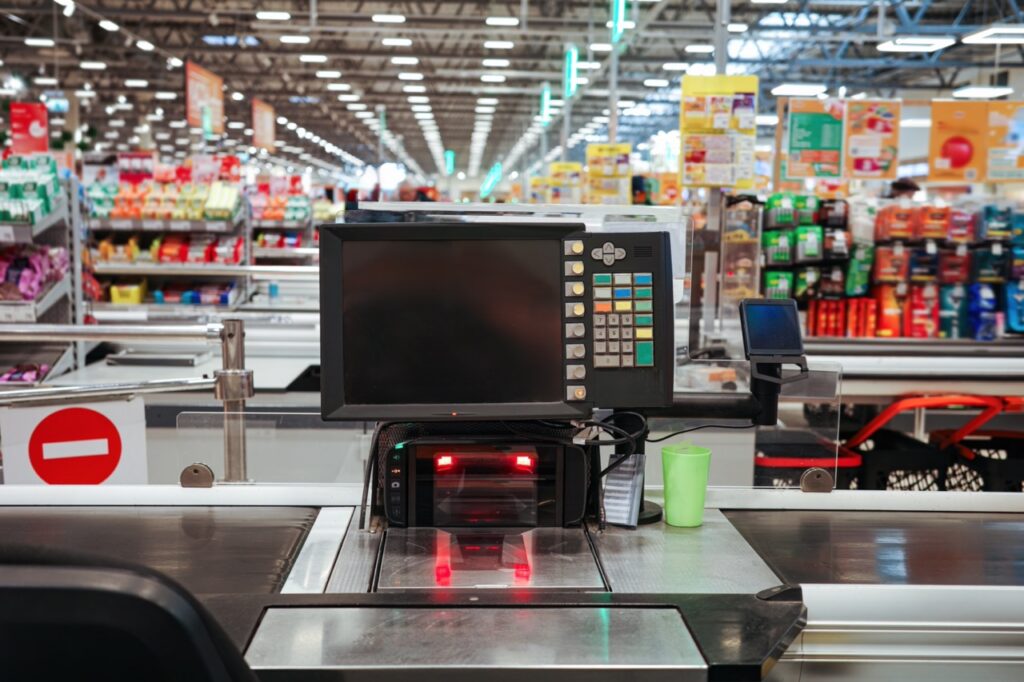
A checkout lane looks simple from the customer’s side of the counter. There is a belt, a screen, a scanner, and a person ready to help. Behind that simplicity is a long list of components that all have to work together: the terminal, display, scanner, scale, payment device, printer, cash drawer, power, network, mounting, and […]
How POS Promotion Engines Handle BOGO, Mix-and-Match, and Multi-Buy Deals

Promotions are one of the most powerful tools an independent grocer has for driving traffic and moving inventory. They are also one of the easiest places to lose margin. A deal that looks simple on a shelf tag, such as buy one get one free or three for five dollars, requires the POS to make […]
Hold, Recall, and Suspend: How POS Features Handle Real Checkout Interruptions
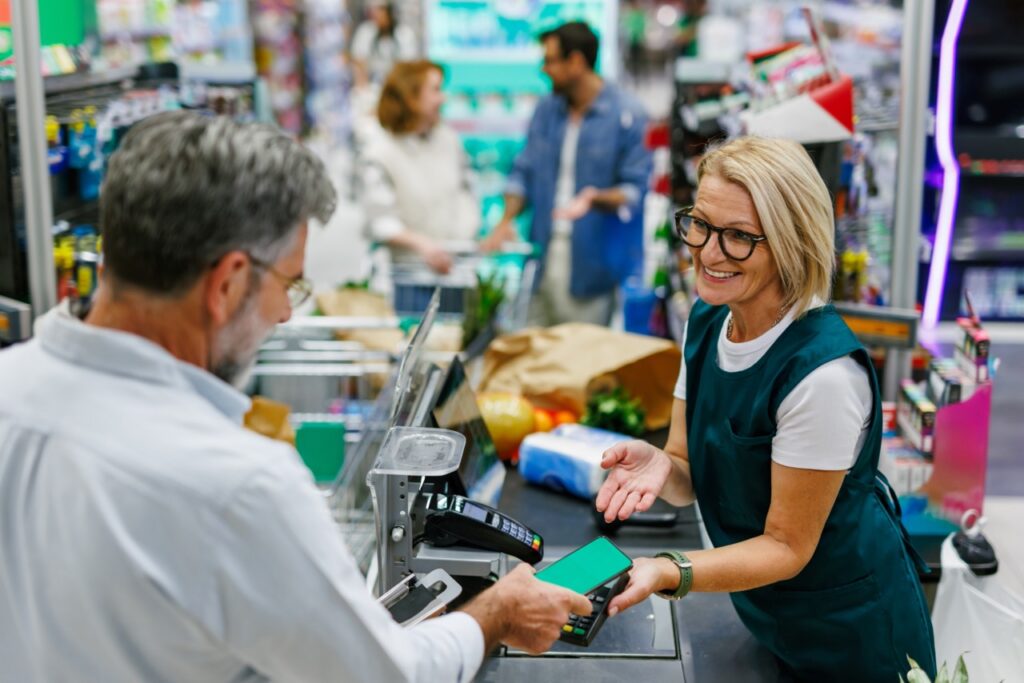
A customer reaches the end of a full cart and realizes their wallet is in the car. Another remembers they forgot milk. A coupon will not scan and the cashier needs to look up the item. A price on the shelf does not match what rang up, and someone has to go check. In every […]
Touchscreen vs. Keyboard POS Terminals: Which Fits a Grocery Checkout Lane
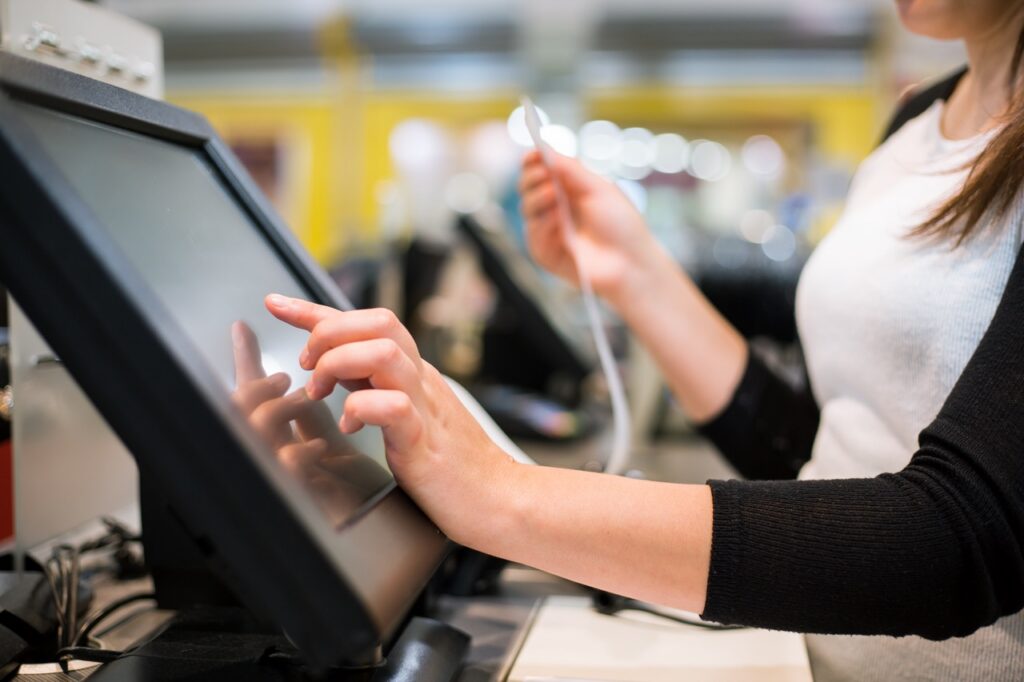
Most of what crosses a grocery checkout lane never touches the terminal’s input device. Packaged items are scanned, and the cashier’s hands stay on the product and the scanner. But the items that do require manual input, such as loose produce, bakery items, loyalty lookups, and the occasional price override, are exactly the ones that […]