
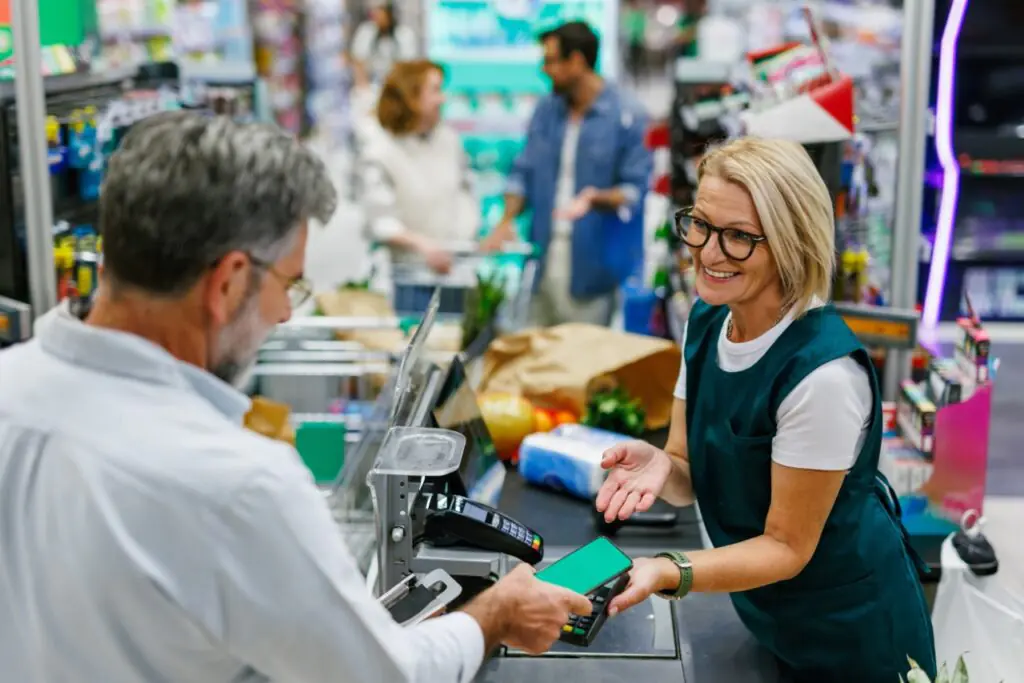
A customer reaches the end of a full cart and realizes their wallet is in the car. Another remembers they forgot milk. A coupon will not scan and the cashier needs to look up the item. A price on the shelf does not match what rang up, and someone has to go check. In every one of these moments, the cashier has two bad options without the right POS feature: make the whole line wait, or void the transaction and start over.
Hold, recall, and suspend features solve this. They let a cashier set a transaction aside, serve the next customer, and return to the original sale later without losing a single item. It is a small feature that has an outsized effect on lane speed and customer goodwill, and it deserves more attention than it usually gets. Here is how it works and how to use it well.
What These Features Do
The terms vary by system, but the idea is the same. When a cashier puts a transaction on hold, the POS saves everything about it: the items scanned, quantities, weights, discounts applied, and any customer or loyalty information. The lane becomes free for the next customer. Later, the cashier recalls the held transaction and picks up exactly where the first customer left off.
This is different from voiding. A void cancels the sale and usually requires rescanning everything. A hold preserves the sale in progress.
The Real Situations Where It Pays Off
The value shows up in everyday grocery moments:
- A customer needs to grab one more item, and the cashier can serve the next person while they go
- A price check is needed, and a team member can verify it without blocking the lane
- A shopper has to retrieve a wallet, payment card, or EBT card from the car
- A coupon or promotional question needs a manager’s input
- A customer is deciding which items to put back after seeing the total
- Two customers share one lane and one of them is not ready to pay
- A large order needs to be split into two separate payments
Each of these would otherwise freeze the lane. With a hold, the line keeps moving and the customer is not embarrassed by holding everyone up.
Why It Improves Speed and Experience
Lane throughput suffers most from the unpredictable pauses, not from the steady rhythm of scanning. Holding a transaction converts a long, unpredictable delay into a short, controlled one. The next customer is served immediately, and the first customer returns to a cart that is exactly as they left it.
It also protects accuracy. Rescanning a full cart after a void introduces errors, and a customer who sees their order reappear intact is reassured that nothing was lost. Our guide to designing a checkout lane that moves faster places features like this within the broader picture of lane speed, and our look at handling a negative customer experience at the register shows how small interruptions can turn into lost customers when they are handled poorly.
What Happens to Prices and Promotions While a Sale Is Held
A held transaction raises a few questions that every operator should understand before relying on the feature:
- Does the POS recalculate prices and promotions when the sale is recalled, or does it keep the prices from the moment of the hold? This matters when a promotion ends or a price changes in the interim.
- Are held items reserved in inventory, or does inventory only update when the sale completes? Most systems update inventory at completion, so held items remain available to other customers until the sale finalizes.
- Does a held sale keep its loyalty account attached, and does loyalty pricing apply correctly on recall?
- For EBT and split tender transactions, are eligibility and payment rules applied when the sale is finalized rather than when it was held?
Knowing the answers lets you set clear expectations for cashiers and avoid surprises. Our guide to split tender transactions explains why payment logic needs to run at the right moment.
Set Rules So the Feature Does Not Become a Loophole
Like any flexible feature, holds can be misused. A held transaction can be abandoned and never completed, which may hide a voided sale, or recalled by someone other than the cashier who started it. Basic rules reduce that risk:
- Require a clear identifier for each held transaction, such as a number, customer name, or ticket, so it is easy to find and hard to confuse
- Limit how long a transaction can stay on hold, and clear stale holds at the end of every shift
- Restrict who can recall and void held transactions, ideally the originating cashier or a manager
- Log every hold, recall, and void with the user and time, so there is an audit trail
- Review held-then-voided transactions in your exception reports
These habits connect directly to loss prevention. According to the National Retail Federation’s research on retail security, employee-related loss is a meaningful part of shrink, and transaction-level controls are one of the best defenses. Our guide to the role of your POS system in preventing internal theft covers what to watch for, and role-based permissions let you decide exactly who can perform each action.
Train Cashiers to Use It Confidently
A feature nobody uses delivers no value. Many cashiers default to voiding because it is familiar, so training matters. Cover these points:
- When to hold instead of void, using the real situations above
- How to label a held transaction clearly
- How to tell the customer what is happening, so they know the sale is safe
- How to recall a sale correctly and confirm it before finalizing payment
- What to do if a held transaction cannot be found
A short role-play during onboarding goes a long way, and our guide to cross-training grocery staff using your POS system offers a framework for building these skills.
Use Holds Beyond the Register
Hold and recall also support more flexible service models. A team member with a handheld device can begin a sale in the aisle, scan a customer’s items, and hold the transaction for a cashier to complete at the register. That is the foundation of line busting, where staff reduce checkout waits during peak periods. FlexRetail Retail Mobile brings that mobility to the sales floor.
Self-checkout attendants benefit too. When a customer at a self-checkout station runs into a problem that takes time to resolve, a hold lets the attendant clear the issue without leaving the lane stuck.
Measure Whether It Is Working
Check your reports periodically to see how holds are being used:
- How many transactions are held per shift, and by which cashiers
- Average hold duration, which should be short
- The percentage of holds that end in a completed sale versus a void
- Any stale holds that were never resolved
Healthy usage looks like short holds that nearly always complete. Frequent long holds that end in voids deserve a conversation. FlexRetail’s reporting and analytics tools provide the transaction-level detail for this review.
Schedule a FlexRetail demo to see how hold, recall, and suspend work in the register workflow and how permissions and reports keep them accountable.